Why Your Smart Home Ecosystem Is Slowing Down Your Wi-Fi and How to Fix It
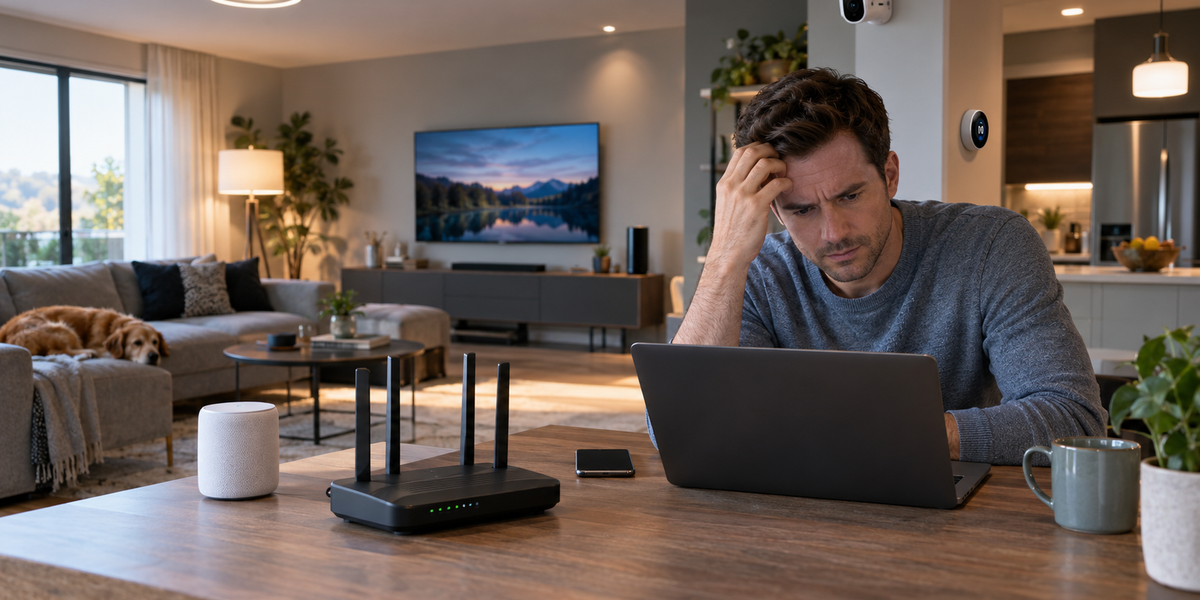
The television streams a footy match in sparkling 4K. The fridge quietly downloads a firmware update. Out front, the video doorbell tracks a stray cat walking across the driveway. Bang. The internet grinds to a total halt.
It happens all the time. The immediate reaction is to blame the NBN connection or shout at the modem. But the broadband provider is rarely the actual problem here. That shiny new smart home ecosystem is quietly choking the Wi-Fi.
The Invisible Traffic Jam
Every single smart bulb, plug, and speaker needs its own IP address. They all demand constant attention from the router. Picture a busy bartender trying to serve thirty thirsty patrons at once. The bartender gets overwhelmed. Drink orders get forgotten. The router behaves the exact same way. It starts dropping packets of data.
Smart home gadgets don't actually need heaps of internet speed. They just require continuous, tiny check-ins with the local network. This relentless digital chatter absolutely clogs the invisible lanes of your internet connection.
The 2.4GHz Bottleneck
The real traffic jam happens on the 2.4GHz frequency. Almost all smart home devices use this specific wireless band. It easily penetrates brick walls and timber frames. But it is also a remarkably narrow and congested highway. Old microwaves and baby monitors operate on this exact same frequency. The wireless interference is massive.
Imagine an ambitious property investor who recently used a low doc loan to finance a massive residential renovation. They decide to wire up fifty smart downlights throughout the sprawling property. It seems like a brilliant modern touch. Instead, those fifty lightbulbs constantly fight for the exact same sliver of Wi-Fi bandwidth. The local network eventually spits the dummy. Nothing responds to voice commands anymore. The house goes completely dark.
Cheap Hardware Limits
Standard hardware is another massive hurdle. The basic routers supplied by internet companies are essentially budget computers in plastic boxes. They possess very limited processing power. When forty different smart devices ask for a connection at the same time, the router's internal CPU simply maxes out. It cannot process the routing tables fast enough.
This is exactly why the laptop in the home office suddenly drops out of a vital Zoom meeting. The router is entirely too busy talking to the smart kettle in the kitchen. Prioritising traffic becomes impossible for cheap hardware. The network just gives up entirely. Video calls freeze. Web pages fail to load.
Taking Control of the Network
Regaining control requires a bit of physical work. Start by plugging in anything that never moves. The television, the gaming console, and the central Philips Hue bridge should all connect directly to the router using ethernet cables. This single action instantly frees up massive amounts of wireless bandwidth for the mobile devices that actually need to roam.
Next up is network segregation. Log into the router settings. It looks intimidating but it's perfectly safe. Separate the Wi-Fi bands. Give the 2.4GHz network one name and the 5GHz network a completely different name. Force smartphones, tablets, and laptops onto the 5GHz band. Leave the slower, wider-reaching 2.4GHz band strictly for the smart home gear. They will stop fighting each other for airtime.
Alternative Smart Protocols
Moving away from Wi-Fi reliant devices is another brilliant workaround. Ever wondered why professional installers avoid standard Wi-Fi bulbs? Not every smart device needs to connect directly to the router. Look into Zigbee or Z-Wave devices instead.
These gadgets use a completely different radio frequency to communicate with a central hub. The hub then makes a single connection to your router. It drastically reduces network clutter. Connecting fifty Zigbee lights only takes up one single IP address on the network. That is a massive win for internet stability.
When to Upgrade Your Gear
Sometimes the old hardware simply belongs in the bin. A modern Wi-Fi 6 mesh system handles dozens of simultaneous connections beautifully. Mesh nodes spread the heavy traffic load across the entire house. They eliminate dead zones. They keep the connection rock solid. Devices hand off seamlessly as you walk from the lounge room to the backyard.
But getting these advanced mesh systems to play nicely with legacy smart hubs can quickly turn into a headache. Setting static IP addresses and fixing Double NAT issues is not everyone's idea of a fun Saturday afternoon. If the setup process turns into a frustrating nightmare, it's totally fine to call in the cavalry. Booking the kind of reliable in-home tech support Brisbane residents trust can resolve those bizarre IP conflicts in under an hour. A seasoned technician knows exactly how to map out a complex ecosystem properly without breaking the existing network.
Give the struggling router a breather. Hardwire the heavy streaming devices. Segregate the wireless bands and explore smarter protocols. A smart home should genuinely feel smart. It should never make the internet feel like an old dial-up connection.
Jasper Farrow
Author